| Jean LeLoup & Bob Ponterio SUNY Cortland © 2017 |
Let's put together a simple vocabualry page with sound.
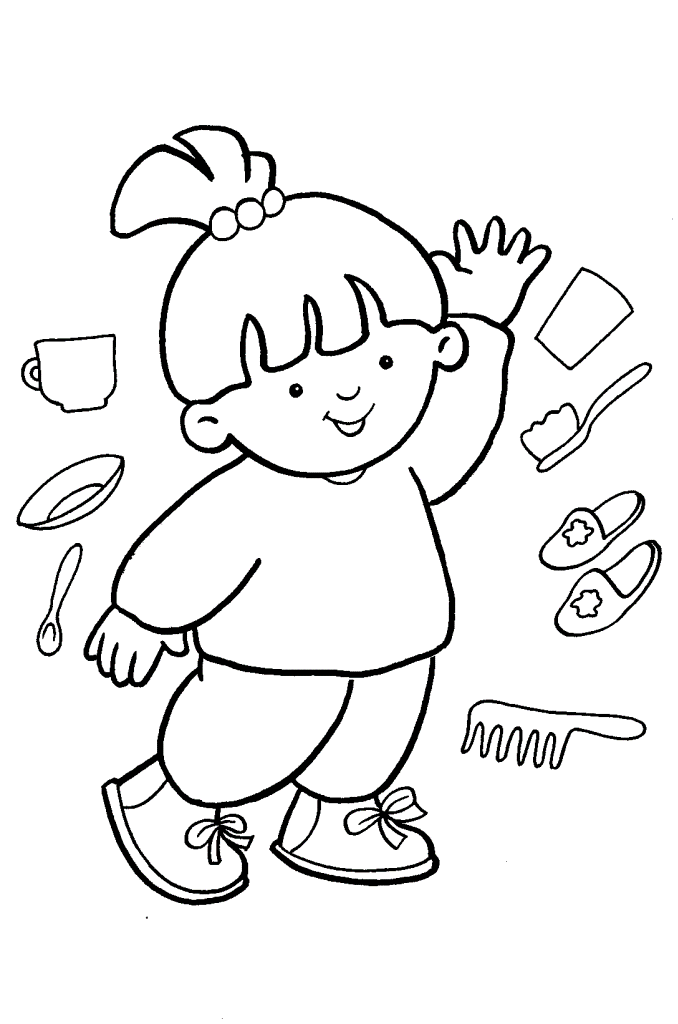
First, a picture from http://kidsprintablescoloringpages.com/
I'll edit the image to create some new images of objects & body parts.
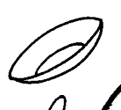

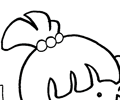



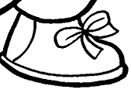
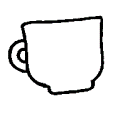

Next, we'll put them in a table. 9 rows and 2 columns, with images in one column and names in the second column.
|
une assiette |
|
une brosse à dents |
|
les cheveux |
|
une cuillère |
|
la main |
|
une oreille |
|
un pied |
|
une tasse |
|
le visage |
Now we can use an embedded sound object to insert a sound for each image.
Start by recording a sound for each object. Give each sound a name that makes it easy to associate with the correct image as you build your lesson.
Remember that the embedded sound object is special code that has to go in the HTML Source of the web page. However, once we have one working sound, we can simply copy this object and paste it into any location where we want to put a new sound. A few minor changes to the mp3 sound file name can then allow us to set up the sound object for each new sound file.Here is the basic HTML code for the sound file for the picture of the plate, assiette.gif. The sound is named assiette.mp3:
<audio controls >
<source src="assiette.mp3" type="audio/mpeg">
Your browser does not support the audio tag.
</audio>
In KompoZer, you may need to write it this way:
<audio controls >
<source src="assiette.mp3" type="audio/mpeg"></source>
Your browser does not support the audio tag.
</audio>
|
une assiette | |
|
une brosse à dents | |
|
les cheveux | |
|
une cuillère | |
|
la main | |
|
une oreille | |
|
un pied | |
|
une tasse | |
|
le visage |
Finally, we can put a form around the table and use dropdown box form fields to provide for student interaction.
<SELECT name="verb1" size="1"><OPTION SELECTED VALUE="???">???
<OPTION VALUE="assiette"> une assiette
<OPTION VALUE="brosse à dents"> une brosse à dents
<OPTION VALUE="cheveux"> les cheveux
<OPTION VALUE="cuillère"> la cuillère
<OPTION VALUE="main"> la main
<OPTION VALUE="oreille"> une oreille
<OPTION VALUE="pied"> un pied
<OPTION VALUE="tasse"> une tasse
<OPTION VALUE="visage"> le visage
</SELECT>