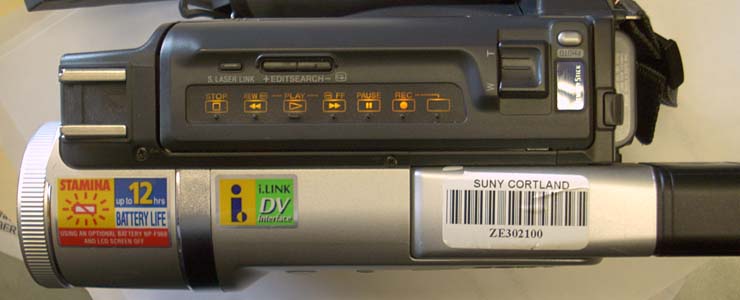
 |
Video cameras like this Sony Handicam (digital) used to be the way to capture video for a class project. Converting the video and transferring it to a computer could be a major undertaking requiring a steep learning curve. |
| Jean LeLoup & Bob Ponterio SUNY Cortland © 2017 |
This lesson will present a few basics for capturing a video scene for inclusion in a multimedia presentation.
|
Video cameras like this Sony Handicam (digital) used to be the way to capture video for a class project. Converting the video and transferring it to a computer could be a major undertaking requiring a steep learning curve. |
Today a digital camera,
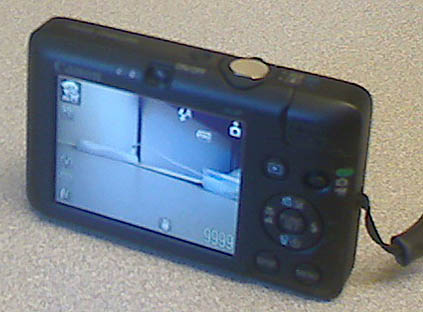
webcam,
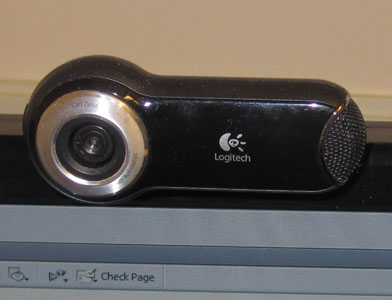
Digital video camera,

or smartphone can capture satisfactory video for our purposes, whether creating a student project or instructional materials. With wifi connections, videos can be quickly transferred from camera to computer without the need to plug in cables.
Basic Steps:
Following a few simple rules when filming for desktop video will improve the quality of the shot:
Video creates large files, so avoid occupying too much screen area with unnecessary background. Stable backgrounds compress better than moving backgrounds, so try to avoid a lot of camera motion. Moving the camera or changing the frame in any way (zooming in or out) makes file compression more difficult because it generates a greater difference between video frames.
Sound is actually harder to do well than images, so don't underestimate the attention that you need to devote to getting a good sound track. The environment is full of sounds. Human hearing is all about filtering out the things that are not important and paying attention only to the important details of what we hear. In a recording, we can hear all of the noises that we normally do not notice because our perception filters them out. Make sure that the sound track includes only the sounds that you want.
The larger the screen, the easier it is to see facial features and the
more screen area may be occupied by background. Cinema, television,
and computer screen video formats must take relative size into consideration
when determining the best framing for
the subject. Which of the following frames is a better choice for
your online digital video?
 1
1 2
2 3
3
The key to good video is to develop good habits, use the same equipment and techniques each time, and look for the quickest way to handle the tech so that you are free to focus on the pedagogy.
For more information:
Video Basics and Production Projects for the Classroom
ePanorama.net:
Video production technology page
http://edtechteacher.org/tools/multimedia/video-classroom/
10 Video Projects Every Teacher Should Try
20 video project ideas to engage students
Teaching filmmaking